Home blood pressure monitoring can provide valuable information, particularly for people already diagnosed with hypertension or those being evaluated for persistently elevated readings.
However, the usefulness of a home monitor depends heavily on measurement technique.
Poor positioning, an unsuitable cuff, talking during the reading, plus measuring immediately after physical activity can produce results that do not accurately represent resting blood pressure.
Choose a Suitable Monitor
A home monitor should be reliable plus appropriate for the user.
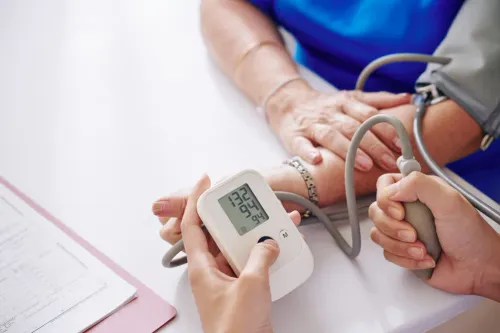
Upper-arm devices are commonly used for routine home monitoring. Cuff size is important because a poorly fitting cuff may affect accuracy.
If you are unsure whether your device is suitable, take it to your medical appointment. Your doctor can review the type of monitor plus discuss measurement technique.
Rest Before Checking
Avoid measuring blood pressure immediately after rushing through the house, climbing stairs, exercising, or completing physically demanding work.
Sit quietly before taking the reading.
Your body needs time to return closer to a resting state.
Caffeine, smoking, stress, plus certain other factors may temporarily affect measurements, so consistency in how readings are taken is important.
Use the Correct Sitting Position
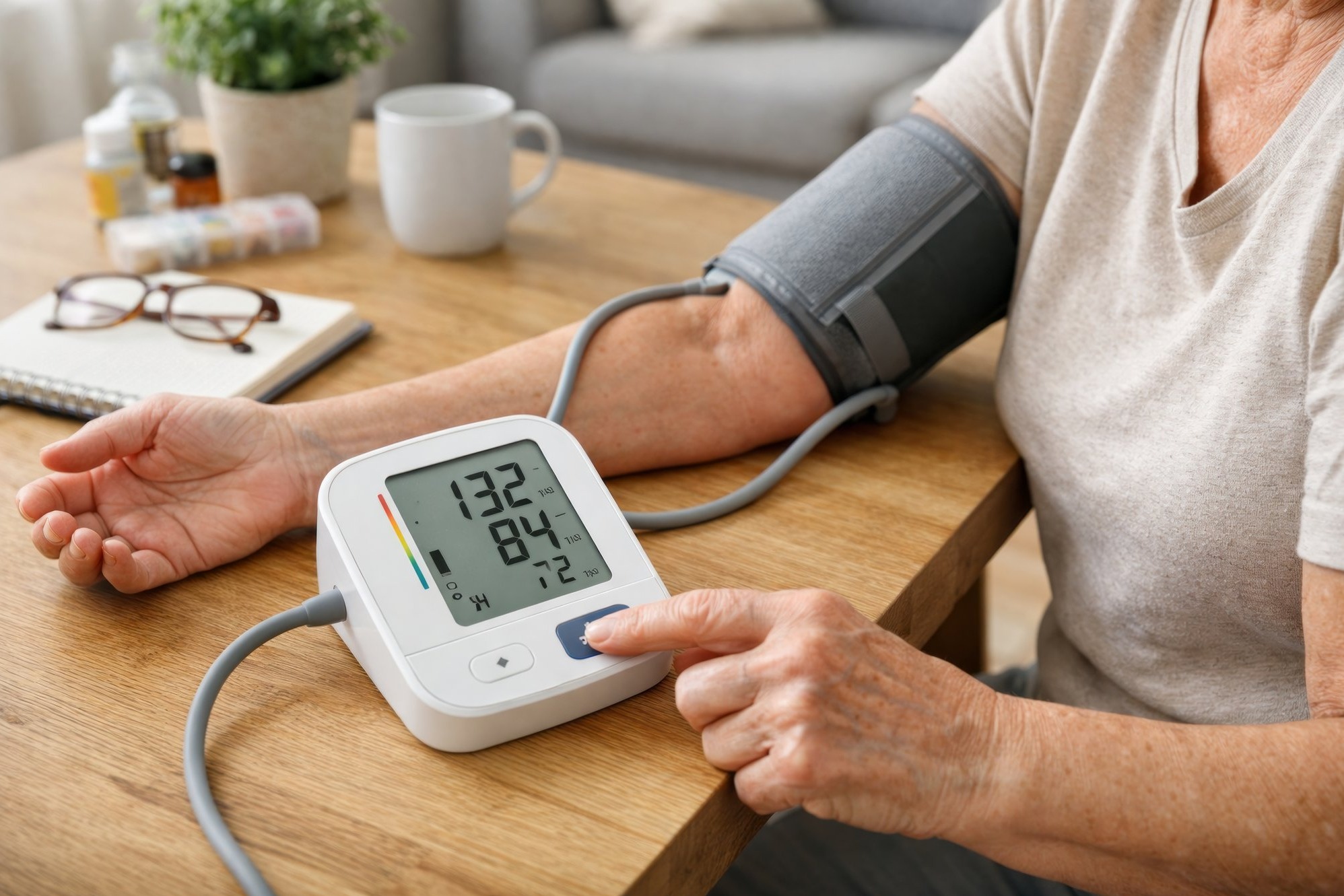
Sit comfortably with your back supported.
Keep your feet supported rather than dangling. Avoid crossing your legs during measurement.
The arm should be relaxed plus supported. The cuff should be positioned according to the device instructions.
Talking, laughing, using your phone, or moving during the reading can interfere with measurement.
Record the Results
Do not rely on memory.
Maintain a written record or use your monitor's stored readings if it has a memory function.
Include the date plus approximate time.
A consistent record helps the physician identify patterns such as higher morning readings, variable measurements, or changes after treatment adjustments.
Avoid Checking Too Frequently Without a Medical Reason
Repeatedly measuring blood pressure every few minutes can increase anxiety.
An anxious response may then raise subsequent readings, creating a cycle of repeated checking plus further concern.
Follow the monitoring schedule recommended by your doctor.
The ideal frequency may differ for someone newly being evaluated compared with a patient whose blood pressure has remained stable on treatment.
Do Not Adjust Medicines Independently
A normal reading does not necessarily mean hypertension has disappeared.
It may mean the treatment is working.
Similarly, one elevated reading does not automatically mean you need an additional dose.
Changing medication without medical guidance can cause blood pressure to become excessively low or create other treatment problems.
Know When a Reading Needs Medical Attention
Very abnormal readings, particularly when accompanied by concerning symptoms, should not simply be entered into a notebook for discussion weeks later.
Symptoms such as significant chest discomfort, severe breathing difficulty, neurological changes, fainting, or other acute concerns require appropriate medical assessment.
The significance of a reading depends partly on the patient's medical history plus symptoms.
Bring Your Monitor to Follow-Up
Patients seeking blood pressure management in Sion can bring their home monitor plus recorded readings to a consultation.
This allows the doctor to compare home trends with clinic measurements plus assess whether the monitoring routine is producing useful information.
Medioria Clinic provides internal medicine evaluation for hypertension plus related metabolic health concerns.
Home monitoring works best when it supports clinical care rather than replacing it. Accurate technique, consistent recording, sensible measurement frequency, plus appropriate medical follow-up can turn a simple blood pressure device into a useful tool for long-term health management.
Keywords